01
Enter the identifier
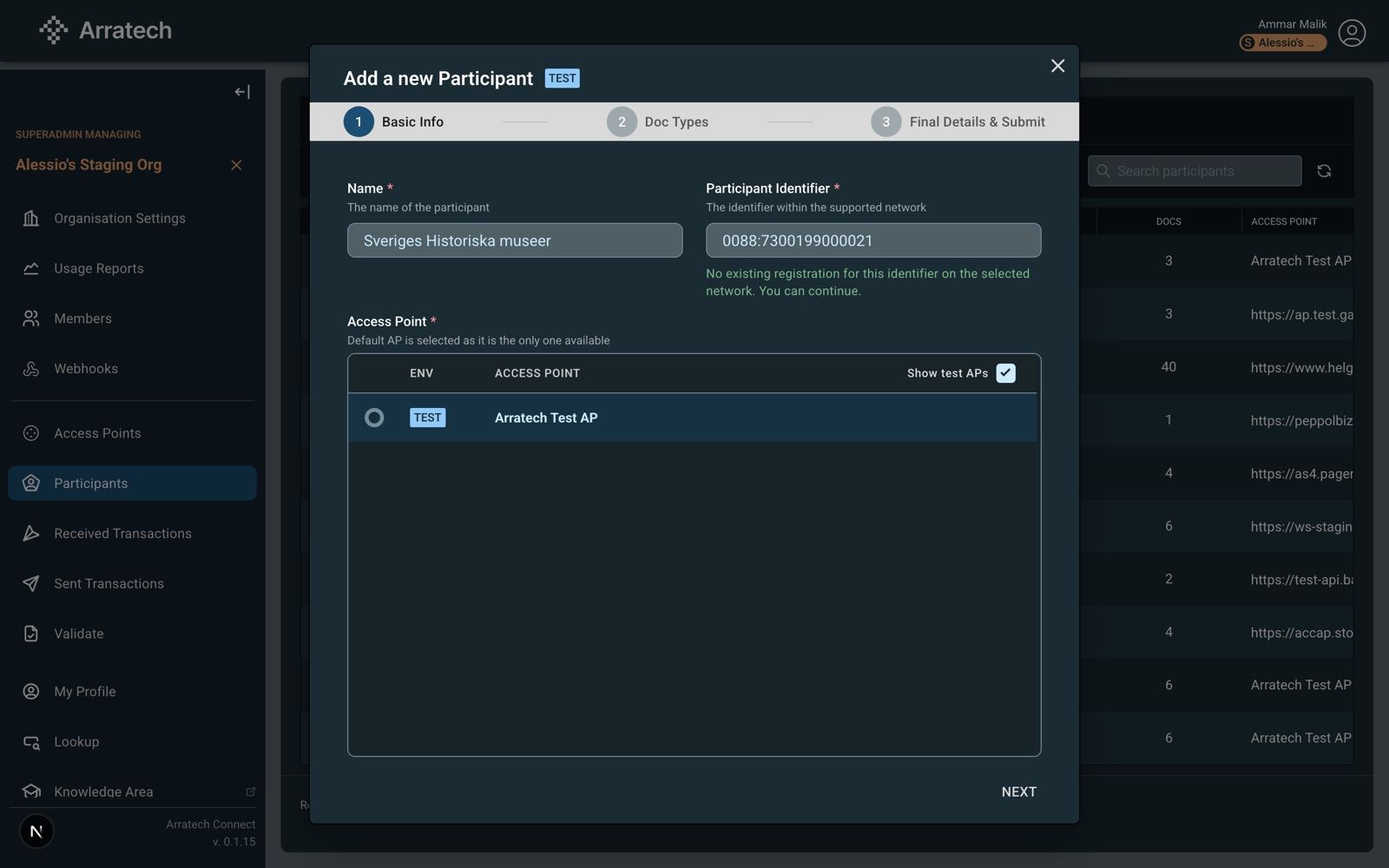
Name, Peppol identifier and access point. The access point sets the environment, production or test.
State after this step
nothing saved yet
Connect Portal
Participants → Add Participant opens the wizard. Organisation admins only.
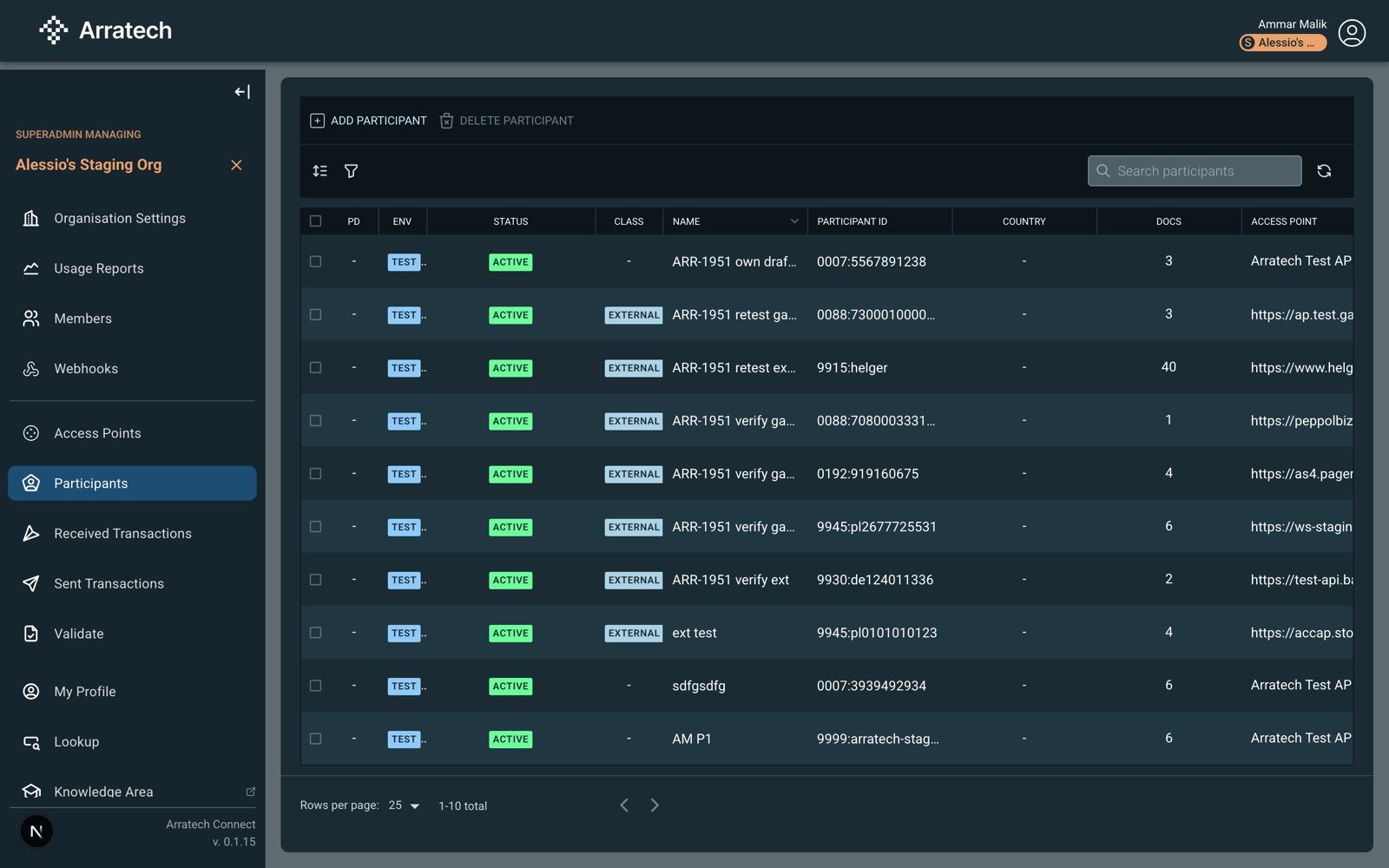
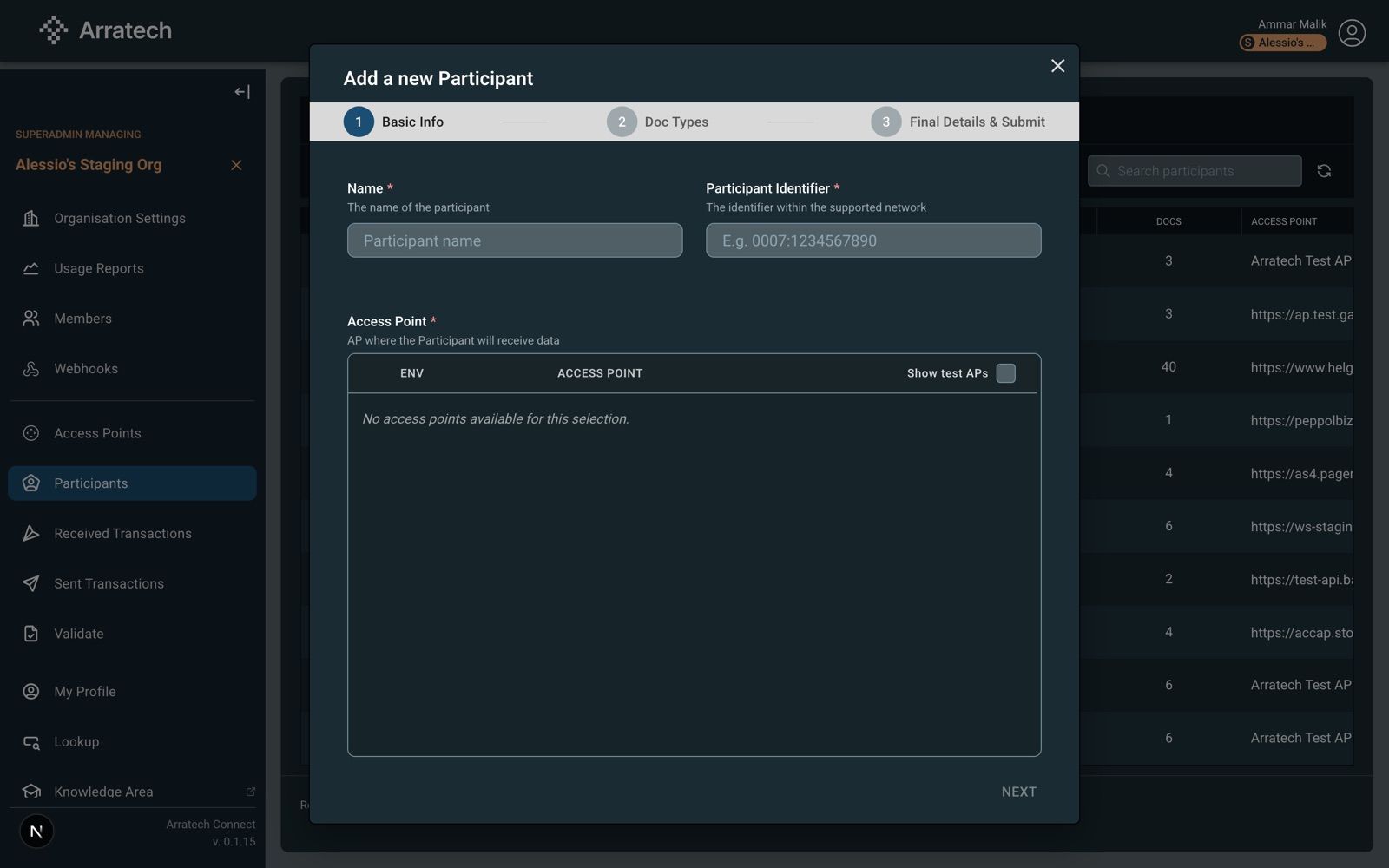
Basic Info
- Name: display name.
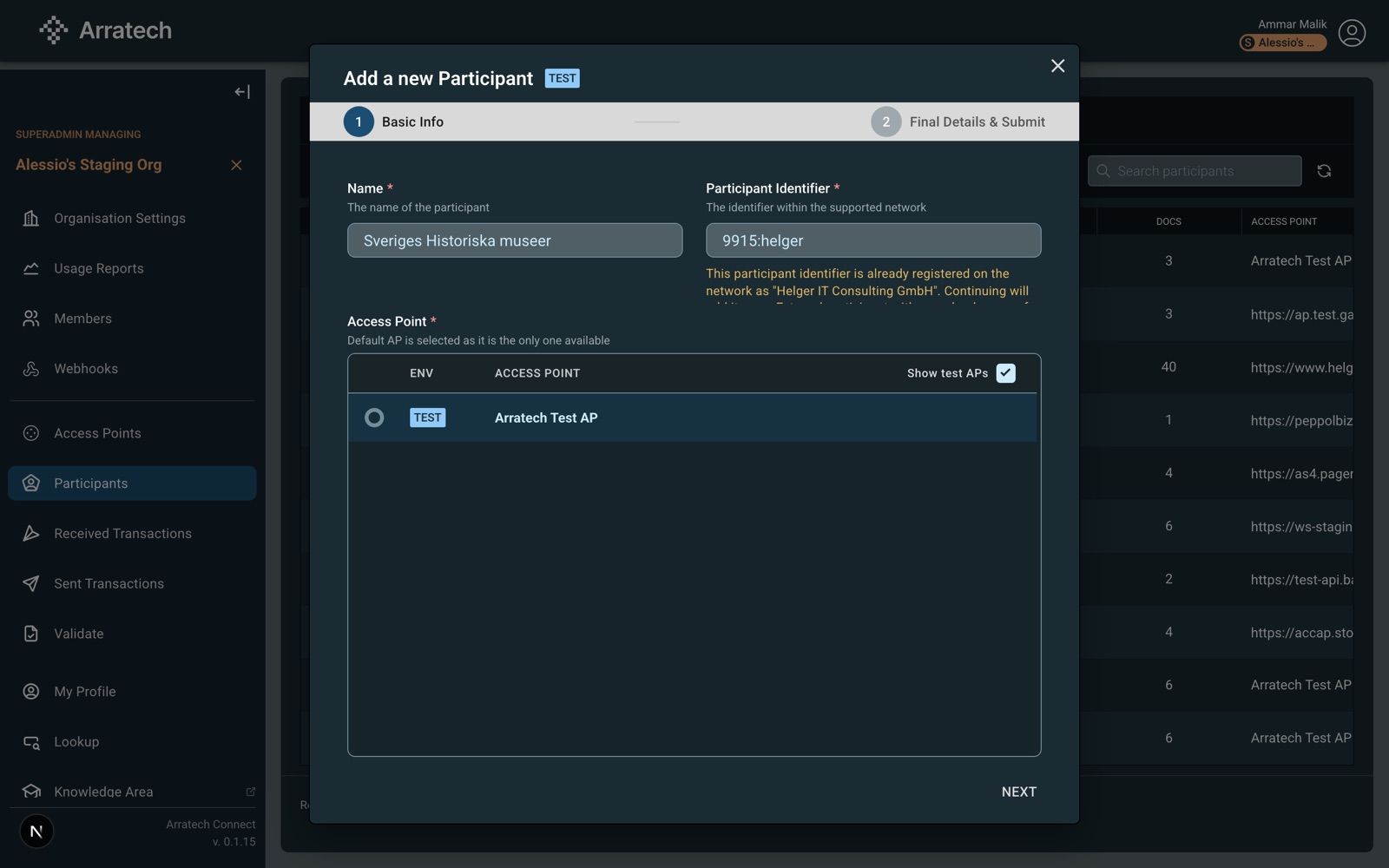
- Participant Identifier:
scheme:value, for example0007:1234567890. Format and check digit are validated as you type. Which number and scheme to use per country: Peppol IDs. See Peppol IDs for the scheme to use in your country. - Access Point: production first; test access points appear after ticking Show test APs. A single available access point is preselected and locked. A test access point adds a TEST pill to the title.
Scheme 0225 adds a SIRET field; see the France section of Peppol IDs.
Next is enabled once name, identifier and access point are valid.
API
No call. This step assembles three of the create fields: name, participantIdentifier, apRef. Scheme 0225 adds siret.
Identifier
ICD:value. ICD: four digits from the Peppol scheme list. Value: 1 to 130 characters. Per-country guidance: Peppol IDs.- Normalised on receipt: trimmed, lower-cased,
iso6523-actorid-upis::prefix removed. - Scheme must be active in the code list. Check digit verified where the scheme has one.
GET/participant_identifiers?filter=iso6523:eq:0007user
{ "items": [{ "iso6523": "0007", "schemeid": "SE:ORGNR", "country": "SE", "state": "active" }] }Access point
GET/orgs/{orgId}/aps/alltouseorgmember
The organisation's own access points plus Arratech's shared ones: the test access point in Demo and Whitelabel mode, test and production in Shared mode. The access point's environment is the participant's environment.
Checked at save
| Code | Reason |
|---|---|
| AT-1009 | identifier format or check digit |
| AT-2001 / 2002 | scheme unknown / retired |
| AT-1062 | access point not usable |
| AT-1155 | access point jurisdiction does not match the scheme |
{
  "name": "Nordlys Handel AB",
  "participantIdentifier": "0007:5590123450",
  "apRef":  "a1b2c3d4-…"
}